
 Adrian Ghira
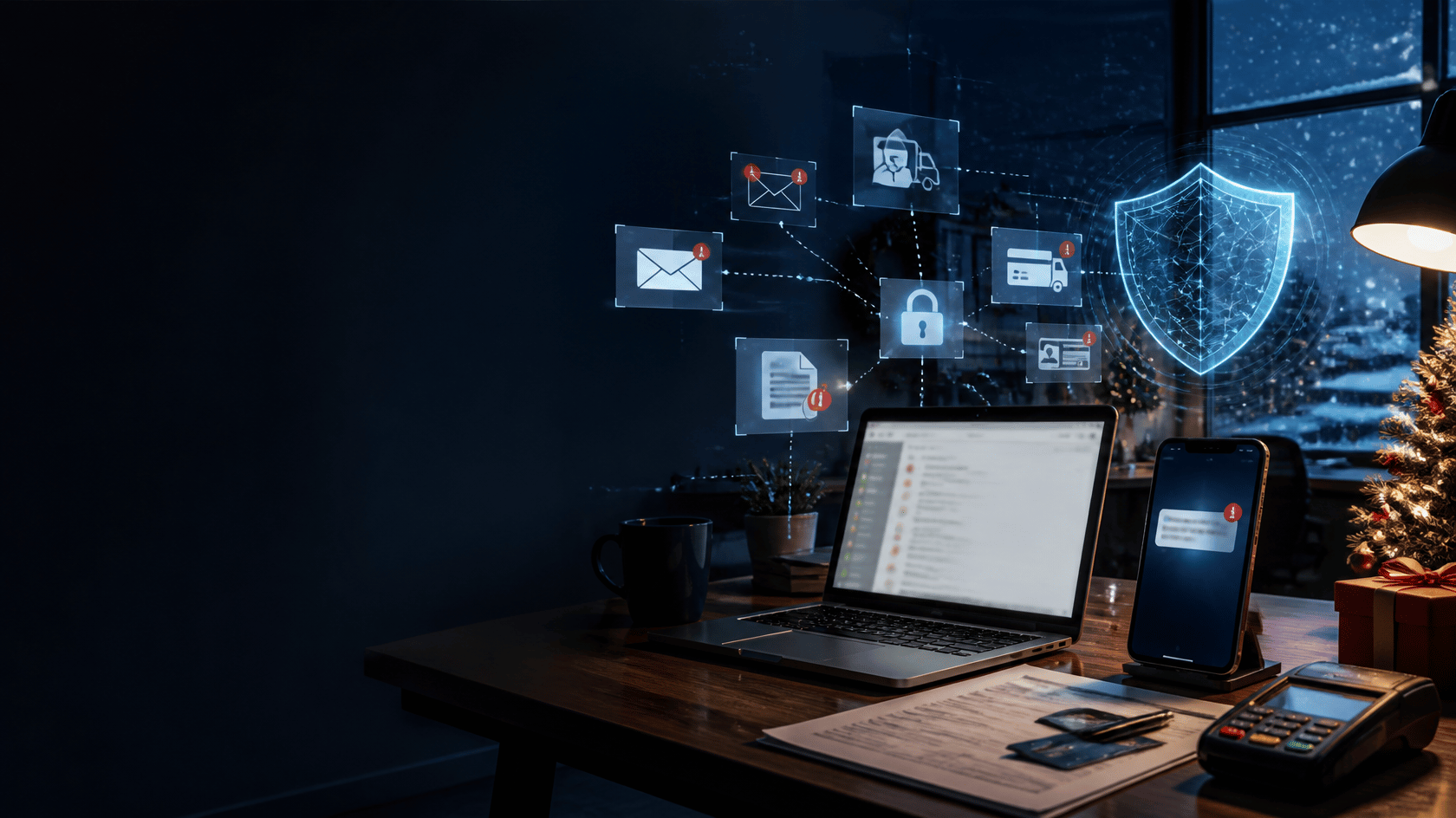
Phishing attacks against Canadian small and mid-sized businesses rise 40 to 60 percent during the six weeks between Black Friday and the end of December. This isn't a hypothesis — it's a repeating pattern that Microsoft, ESET, and Canadian Centre for Cyber Security data have confirmed year after year.
The attackers know what the rest of us know: your team is distracted, your inbox is overloaded, your vendors are rushing to get invoices processed before year-end, and your bookkeeper is approving more wire transfers in six weeks than in the previous six months combined. They aren't inventing new attacks for the holidays. They're pointing the existing attacks at the moment of maximum opportunity.
This is a Canadian SMB field guide to the eight scams we're already seeing hit our client base in November 2026, with specific patterns to watch for, what to do if someone on your team clicks, and the three controls that stop over 90 percent of these attacks before they succeed.
Why holiday-season phishing works so well
Three factors compound to make November and December the single most dangerous period of the year for Canadian SMB cybersecurity.
Volume overload.
The average Canadian SMB employee sees 30 to 50 percent more inbound email in the holiday season. Legitimate shipping notifications, legitimate CRA correspondence (RRSP contribution limits, GST filings), legitimate vendor year-end invoices. The brain's pattern-matching fails under volume. A fake Canada Post delivery notification between two real ones gets clicked at twice the normal rate.
Decision fatigue.
Your team is approving more purchase orders, processing more wire transfers, authorizing more vendor payments, and executing more M&A paperwork than in any other six-week stretch. Each of those is a decision. Decision fatigue degrades judgment on the next decision. Attackers time their asks for Thursday afternoon of a four-day workweek on purpose.
Out-of-office exploitation.
Owners travel. Finance teams run on skeleton crews. The approval chain that normally caught the social-engineering email is on vacation. Attackers specifically target businesses whose LinkedIn or GBP posts suggest key approvers are out of office.
The 8 scams targeting Canadian SMBs in November-December 2026
1. Fake delivery notifications (Canada Post, FedEx, Purolator, UPS, Amazon)
The highest-volume holiday scam. You receive an email or SMS claiming a package needs rescheduling, address correction, or an additional delivery fee. The link goes to a convincing clone of the carrier's tracking page that harvests credentials or installs malware.
What to watch for: Any request to "verify" address or pay a small fee ($1.99, $3.50 — small enough to tempt). Legitimate Canadian carriers never ask for small-fee payments via SMS or email. Verify by going directly to the carrier's website and entering the tracking number.
2. CRA tax refund and GST credit phishing
Spike every November as Canadians plan year-end tax activity. The email claims you're owed a refund (sometimes a specific dollar amount) and asks you to "verify banking information" to receive it, or claims an urgent GST filing issue requires immediate attention. The link goes to a fake Canada.ca-branded page.
What to watch for: The real CRA never emails or texts about refunds. They send paper mail. Any CRA-branded message with a link or attachment is phishing. If you're unsure, log into My Business Account directly through canada.ca.
3. Payroll diversion fraud
An email appearing to be from an employee (usually in finance or operations) asks HR or payroll to change their direct deposit account to a new institution before the next pay cycle. The timing is deliberate just before a year-end bonus or the final pay period of the year.
What to watch for: Any direct deposit change request received by email, especially from a free email domain (gmail.com, outlook.com) instead of the employee's company address. Verify by phone or in person before processing any change.
4. Business email compromise (BEC) and vendor invoice fraud
The attacker spends weeks studying your business's email patterns, identifies a legitimate vendor relationship, then sends what looks like a routine invoice but with new banking information. The amount is calibrated to be "just big enough to matter but not big enough to trigger extra review" often $8,000 to $25,000.
What to watch for: Any banking information change on a recurring invoice. Any vendor email asking you to update their banking details. Any vendor invoice that doesn't match your purchase order exactly. The authoritative control: call the vendor at a phone number from your records (never a number in the email) to verify any banking change.
5. Gift card and CEO fraud
You receive what appears to be an urgent email from your CEO or owner (often from a free email address or a lookalike domain) asking you to buy gift cards for client gifts, employee bonuses, or a surprise. Amazon, Apple, Visa, Mastercard usually in multiple $500 increments. The CEO is "in a meeting and can't talk," so please just send the codes.
What to watch for: Any gift card purchase request via email with urgency. No legitimate CEO handles corporate gift-giving by asking a junior employee to buy and photograph gift cards. The authoritative control: verify every executive request for financial action by phone or in person, no exceptions.
6. Microsoft 365 account verification and password reset
A spike every November your team receives emails claiming "unusual sign-in activity detected," "password expiring in 24 hours," or "storage quota exceeded, click here to retain your mailbox." The link goes to a convincing Microsoft login clone that harvests credentials and session tokens.
What to watch for: Any Microsoft-branded email that creates urgency about account access. Microsoft never asks you to click through to verify your identity. Access your Microsoft 365 account directly through portal.office.com and check security alerts there.
7. Fake Black Friday and Cyber Monday deals (malvertising)
Attackers buy ads on Google Shopping, Facebook, and Instagram promoting deeply discounted enterprise software (Adobe, Microsoft, Autodesk), hardware (laptops, monitors), or services (Microsoft 365 seats). The purchase page captures credit card details or installs malware. Your team member thinks they're doing you a favour by snagging a 70% off deal.
What to watch for: Deals that are 50% or more off enterprise software and hardware. If a laptop that retails for $2,500 is being sold for $800 with free shipping, it's a scam. Buy enterprise software through authorized resellers only.
8. Charitable donation fraud
Fake charity solicitations spike in November and December targeting Canadian businesses considering year-end charitable giving. The emails impersonate real Canadian charities, non-profits, or disaster relief funds and ask for immediate donation via wire transfer or e-transfer. In 2026 we've also seen AI-generated video messages of "charity executives" asking for support.
What to watch for: Any charity solicitation with urgency, any solicitation asking for e-transfer or wire payment (legitimate charities issue receipts and accept standard payment methods), any charity whose name is a near-copy of a known charity (United Way vs United Ways Canada, etc). Verify every charity through the CRA charity lookup before donating.
The three patterns that give every scam away
You don't need to memorize eight scams. You need to recognize three patterns that show up in every one.
Pattern 1: Urgency.
Every scam creates artificial urgency. "Expires in 24 hours." "Will be charged a late fee." "CEO needs this before his flight." Real business communication rarely has artificial time pressure. If the sender is trying to prevent you from pausing to think, that's the signal.
Pattern 2: Request outside normal channels.
Every scam asks you to do something through a different channel than usual direct deposit changes by email, banking info changes by invoice, gift card purchases by text. Any request to use a new or unusual channel is suspect.
Pattern 3: A link, a login, or a payment.
Every scam needs one of three things: a credential (login clone), a payment (wire, e-transfer, gift card), or a system access (malware installation). Any email asking for any of these three deserves five seconds of pause and a verification step.
What to do if someone on your team clicks
Despite your best training, someone will eventually click. Here's the Canadian SMB incident response playbook for a phishing click, in order.
- Disconnect the device from the network immediately unplug the ethernet cable, turn off Wi-Fi. This stops lateral movement.
- Change the user's Microsoft 365 or Google Workspace password from a different device, enable or verify MFA, and sign out all active sessions.
- Alert your IT or managed security provider immediately. If you have GAM Tech's Ultimate MDR, the detection may have already happened your team will be reaching out to you.
- Preserve the suspicious email do not delete it. Your incident response team needs it for analysis.
- Alert the user's immediate supervisor and your finance team if any payment information was handled.
- Review the user's recent email activity for any outbound emails sent during the suspected compromise window.
- Document everything with timestamps for post-incident review (and your cyber insurance claim if one applies).
- Do NOT engage with the attacker. If they called your team member on the phone claiming to be "IT support," hang up.
Most Canadian SMB cyber insurance policies now require documented incident response. A clear, timestamped record of the above steps often determines whether a claim is paid.
The three controls that stop over 90% of these scams
Phishing attacks succeed when human attention fails. The three controls that catch what humans miss, in order of ROI:
1. Phishing simulation and ongoing security-awareness training.
Quarterly simulated phishing emails sent to your team, with immediate microlearning for anyone who clicks. The organizations we work with that run this consistently see click rates drop from 20-25 percent in the first simulation to under 4 percent within two years. Phishing is a trained response.
2. Multi-factor authentication (MFA) across every account.
MFA on Microsoft 365, Google Workspace, your accounting system, payroll, banking, and every SaaS platform your business uses. Even if a credential is stolen, MFA prevents the login. Enable Conditional Access policies in Microsoft 365 if you're on Business Premium or Entra ID P1/P2.
3. Advanced email filtering with sandboxing.
Enterprise-grade email security scans attachments in a sandboxed environment, verifies sender authentication (SPF, DKIM, DMARC), and quarantines suspicious patterns before they reach the user. Microsoft Defender for Office 365 Plan 2, or third-party solutions like Proofpoint and Mimecast, catch the vast majority of phishing attempts before any human eye sees them.
Add a fourth if you can budget for it:
4. Managed Detection and Response (MDR).
A 24/7 security operations center watches for the suspicious behaviors that follow a successful phishing click — unusual login locations, unusual data access, unusual outbound email patterns. GAM Tech's Ultimate MDR, available on our Gold and Platinum managed IT plans, catches successful attacks within minutes and often stops them before the attacker completes their objective.
How GAM Tech protects Canadian SMBs during holiday season
GAM Tech is a SOC 2 and B Corp certified managed IT and cybersecurity partner headquartered in Calgary since 2012, serving Canadian SMBs from eight offices across Canada.
Our cybersecurity-first approach for holiday season includes:
- Quarterly security-awareness training plus ongoing phishing simulations on every managed IT plan.
- Advanced email filtering and sandboxing on Silver, Gold, and Platinum.
- MFA across every account as part of our standard onboarding, with Advanced MFA (AMFA) on Gold and Platinum.
- Ultimate MDR on Gold and Platinum vendor-grade threat detection and response, with 24/7 analyst coverage.
- Incident Response Plan development included on every plan so if an attack succeeds, your team knows exactly what to do.
- 5-minute response commitment delivered on 99%+ of tickets, so when something looks wrong, you reach us immediately.
- ESET Canada Partner of the Year 2024 and 2025 vendor-side proof our cybersecurity depth is independently verified.
If you're reading this and your team hasn't had a phishing simulation in the last 90 days, let's run one before December. Free to our managed IT clients; a one-off engagement for prospective clients. Request a free team phishing simulation and we'll have it running within a week.
Frequently Asked Questions
What is the most common holiday phishing scam targeting Canadian businesses in 2026?
Fake delivery notifications purportedly from Canada Post, FedEx, Purolator, UPS, or Amazon are the single highest-volume holiday phishing scam targeting Canadian SMBs. They work because volume overload during holiday season makes it harder for the human brain to pattern-match a fake notification among dozens of real ones. The second highest volume scam in 2026 is CRA tax refund and GST credit phishing.
What should a Canadian SMB do if an employee clicks a phishing link?
Immediately disconnect the device from the network (unplug ethernet or turn off Wi-Fi), reset the user's Microsoft 365 or Google Workspace password from a different device, enable or verify MFA, sign out all active sessions, alert your IT or managed security provider, preserve the suspicious email, alert the user's supervisor and finance team if payment info was handled, review recent email activity for outbound sent during the compromise window, and document everything with timestamps. Most Canadian SMB cyber insurance policies require documented incident response.
How often should Canadian SMBs run phishing simulations?
Quarterly is the minimum. Monthly is better for high-regulation industries (healthcare, financial services, legal). The simulation should include immediate microlearning for anyone who clicks a 60 to 90 second video or interactive module — delivered the same day. Organizations that run quarterly simulations with microlearning see click rates drop from 20-25% in the first cycle to under 4% within two years.
What is Business Email Compromise and why does it spike at the holidays?
Business Email Compromise (BEC) is a sophisticated phishing attack where the attacker spends weeks studying your business's email patterns, identifies a legitimate vendor or executive relationship, then impersonates that party to request a wire transfer, invoice payment, or banking change. BEC spikes in holiday season because finance teams are rushing year-end invoices, approval chains are disrupted by vacation schedules, and the volume of legitimate payments is unusually high making the fraudulent request harder to spot.
Does managed IT cover phishing training and simulations?
At GAM Tech, quarterly security-awareness training and ongoing phishing simulations are included on every managed IT plan Silver, Gold, and Platinum. Our Ultimate MDR (managed detection and response) is included on Gold and Platinum. Managed IT providers vary widely on what cybersecurity services they include at each tier, so verify before signing specifically ask whether phishing simulations, MFA deployment, email filtering, and incident response planning are included or add-ons.
What is Multi-Factor Authentication and why is it the single most important control?
Multi-Factor Authentication (MFA) requires a second verification step beyond a password typically a code from an authenticator app on your phone. Even if an attacker steals a user's credentials through phishing, they cannot log in without the second factor. Microsoft, Google, and the Canadian Centre for Cyber Security all cite MFA as the single highest-ROI cybersecurity control for small businesses. If you're reading this and MFA isn't enabled on every account, that's your Monday morning action item.
Close
Holiday season is attack season. The scams in this guide aren't new they're the same scams running every month of the year, but pointed at the moment your team is most overloaded, most distracted, and most likely to approve a payment on autopilot.
The three controls that stop 90% of them aren't expensive. Phishing simulations, MFA, and advanced email filtering together cost less than one successful BEC attack. The organizations that invest in them before Black Friday head into the new year without a breach story.
If you'd like to pressure-test your team before December, book a free phishing simulation with our team. We'll run it, we'll report what we found, and if your click rate is where it should be, we'll tell you so. Honest numbers, no sales pitch.
